The GoCloudii Blog

Practical IT advice for Canadian businesses

Plain-English guides on Microsoft 365, cybersecurity, business phones and websites, written by the people who do the work.

Latest

Latest articles

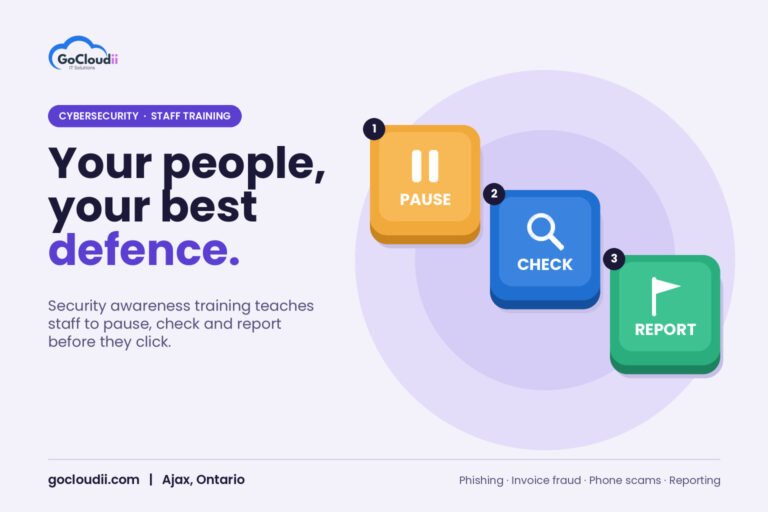
Featured image on a soft lavender background showing three 3D keyboard keys labelled Pause, Check and Report with pause, magnifier and flag icons, illustrating security awareness training for small businesses in Ontario by GoCloudii, Ajax

Security Awareness Training for Small Businesses in Ontario

What to cover in security awareness training, how to run phishing simulations that teach rather than embarrass, and
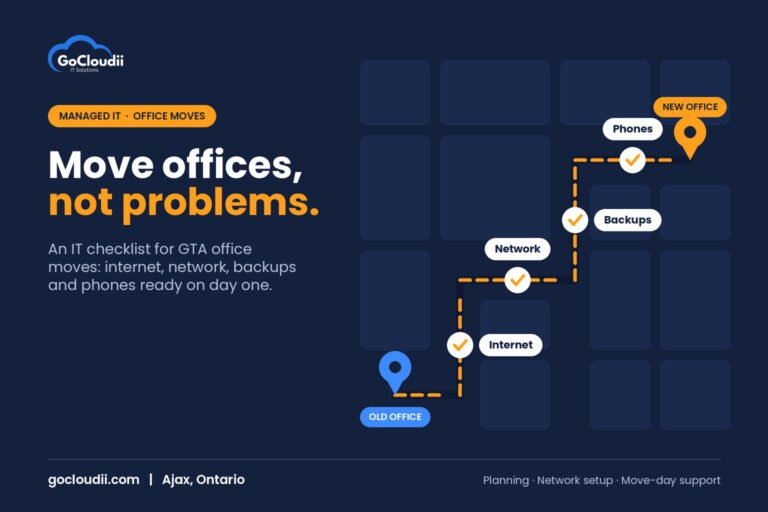
Featured image on a dark navy city map with an orange dashed route from an Old Office pin to a New Office pin, passing checkpoints for Internet, Network, Backups and Phones, illustrating an office relocation IT checklist for GTA businesses by GoCloudii, Ajax

Office Relocation IT Checklist for GTA Businesses: Plan a Smooth Move

A step-by-step IT checklist for moving offices in the GTA, from booking internet and cabling to move day,
Featured image on a light blue background showing a weekly appointment calendar with coloured booked slots, a cursor clicking an open Book slot and a Reminder sent badge, illustrating Microsoft Bookings for small business in Ontario by GoCloudii, Ajax

Microsoft Bookings for Small Business in Ontario: A Setup Guide

How Ontario small businesses can use Microsoft Bookings, included in Microsoft 365, for online appointments, Outlook calendar sync
Featured image on a cream and teal background showing a password card plus a phone with an Approve sign-in prompt and number match, illustrating multi-factor authentication for small businesses in Ontario by GoCloudii, Ajax

Multi-Factor Authentication for Small Businesses in Ontario: A Rollout Guide

Which MFA methods to use, which accounts to protect first and how to roll out multi-factor authentication smoothly
Venn diagram on a dark indigo background with a blue circle for Your IT team and a coral circle for GoCloudii overlapping in a Shared area, labelled Co-managed IT, illustrating co-managed IT services in Ontario by GoCloudii, Ajax

Co-Managed IT Services in Ontario: Support for Your In-House IT Team

How co-managed IT works for Ontario businesses with internal IT staff, what a provider typically covers, and how
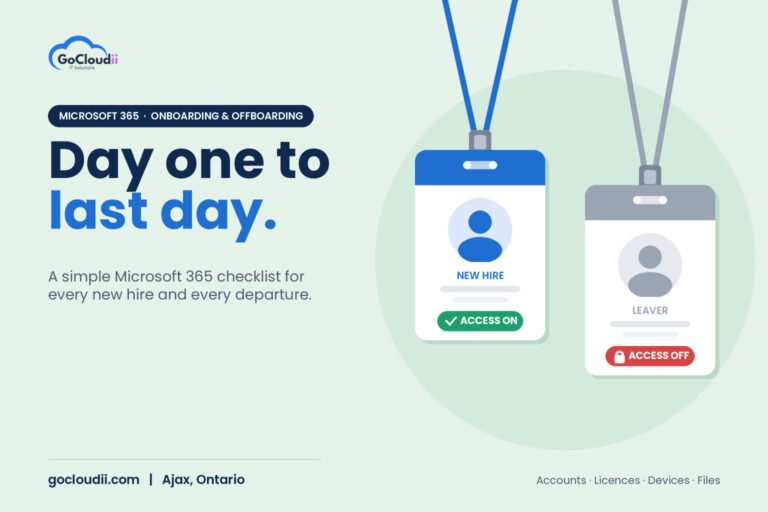
Two employee ID badges on lanyards, a blue New Hire badge marked Access On and a grey Leaver badge marked Access Off, illustrating a Microsoft 365 onboarding and offboarding checklist for Ontario businesses by GoCloudii, Ajax

Microsoft 365 Onboarding and Offboarding Checklist for Ontario Businesses

Step-by-step Microsoft 365 checklists for new hires and departing staff: accounts, licences, MFA, devices, email, OneDrive files and
Blue gift box with a gold ribbon and a CLICK TO CLAIM tag with a red warning badge, beside fake message chips reading Your package is on hold and Urgent: buy gift cards today, illustrating holiday phishing scams for small businesses in Ontario by GoCloudii, Ajax

Holiday Phishing Scams: A Guide for Small Businesses in Ontario

The holiday phishing scams small businesses in Ontario should watch for, from fake delivery notices to gift card
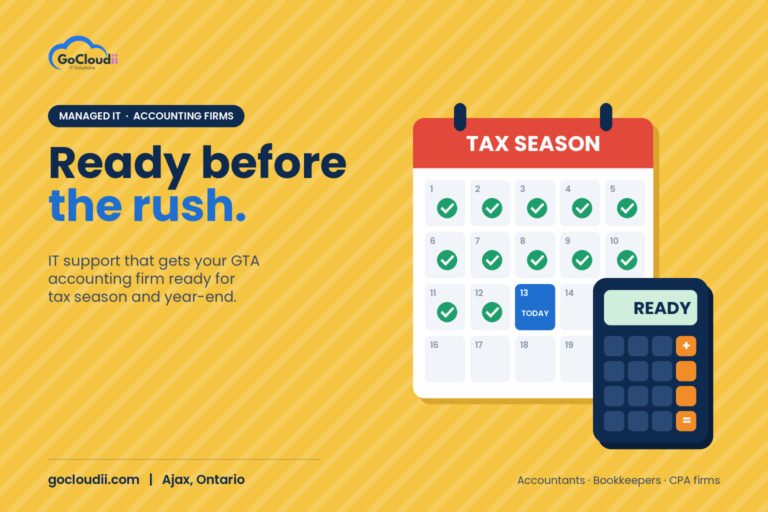
Tax season wall calendar with green checkmarks and a highlighted today square beside a navy calculator reading READY on a golden striped background, illustrating IT support for accounting firms in the GTA by GoCloudii, Ajax

IT Support for Accounting Firms in the GTA: Get Ready for Tax Season

What good IT support for accounting firms in the GTA covers, plus a pre-tax-season checklist for hardware, software,
Three moving boxes labelled Email, Calendars and Files travelling along a dashed arrow from a Google Workspace card to a blue Microsoft 365 card, illustrating a Google Workspace to Microsoft 365 migration in Ontario by GoCloudii, Ajax

Google Workspace to Microsoft 365 Migration in Ontario: A Step-by-Step Guide

How Ontario businesses can move from Google Workspace to Microsoft 365: what migrates, what needs planning, an 8-step
Line-art house with a SOLD sign on a navy background while a fishing hook dangles a payment email with a dollar badge, illustrating deposit fraud and cybersecurity for real estate brokerages in the GTA by GoCloudii, Ajax

Cybersecurity for Real Estate Brokerages in the GTA

How GTA real estate brokerages can stop deposit fraud, phishing, account takeover and ransomware with MFA, payment verification,
Newsletter

One useful IT tip, once a month

Security alerts that matter, Microsoft 365 features worth switching on, and practical checklists. No spam, unsubscribe anytime.

Bonus: get our Cybersecurity Checklist for Canadian SMBs (PDF) when you subscribe. We respect your privacy.

Looking for something specific?

Skip the reading

Rather have an expert just look at it?

Book a free 20-minute IT check and get answers specific to your business.

No obligation · Reply within one business day

Not sure where to start?

Book a free 20-minute IT check with a local IT person. No cost, no pressure.

Or call 289-914-0930