The GoCloudii Blog

Practical IT advice for Canadian businesses

Plain-English guides on Microsoft 365, cybersecurity, business phones and websites, written by the people who do the work.

Latest

Latest articles

What Microsoft's Outage Report Means for Pickering Offices

What Microsoft’s Outage Report Means for Pickering Offices

Microsoft has explained what caused last week's Microsoft 365 outage. Here is what the report means for small
Microsoft 365 Outage Plan for Small Businesses in Ajax

Microsoft 365 Outage Plan for Small Businesses in Ajax

After the November 12 Microsoft 365 outage, here is a simple six-step plan small businesses in Ajax can
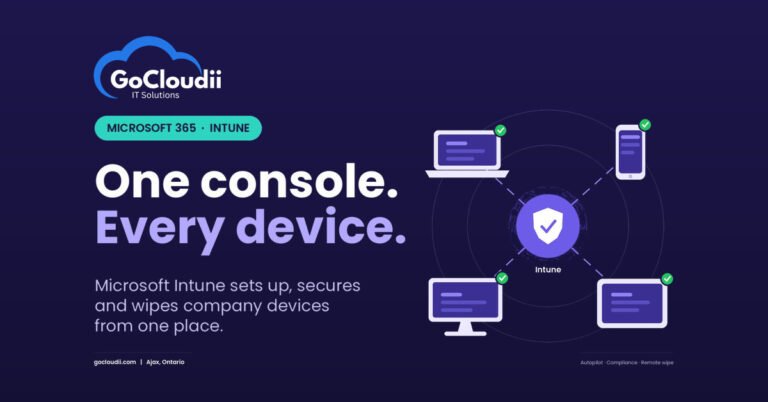
Microsoft Intune for Small Businesses in Durham Region

Microsoft Intune for Small Businesses in Durham Region

How small businesses in Durham Region can use Microsoft Intune to set up, secure and manage company laptops
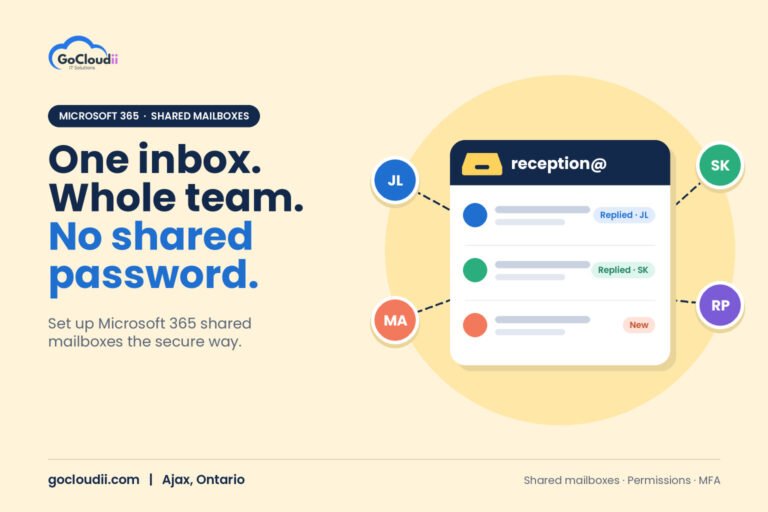
Featured image on a warm butter-yellow background showing a reception@ shared inbox card with replied and new messages, connected to four team member avatars, illustrating a Microsoft 365 shared mailbox guide for Ontario businesses by GoCloudii, Ajax

Microsoft 365 Shared Mailbox Guide for Ontario Businesses

What a Microsoft 365 shared mailbox is, when to use one instead of a distribution list or group,
Featured image on a light blue background showing a weekly appointment calendar with coloured booked slots, a cursor clicking an open Book slot and a Reminder sent badge, illustrating Microsoft Bookings for small business in Ontario by GoCloudii, Ajax

Microsoft Bookings for Small Business in Ontario: A Setup Guide

How Ontario small businesses can use Microsoft Bookings, included in Microsoft 365, for online appointments, Outlook calendar sync
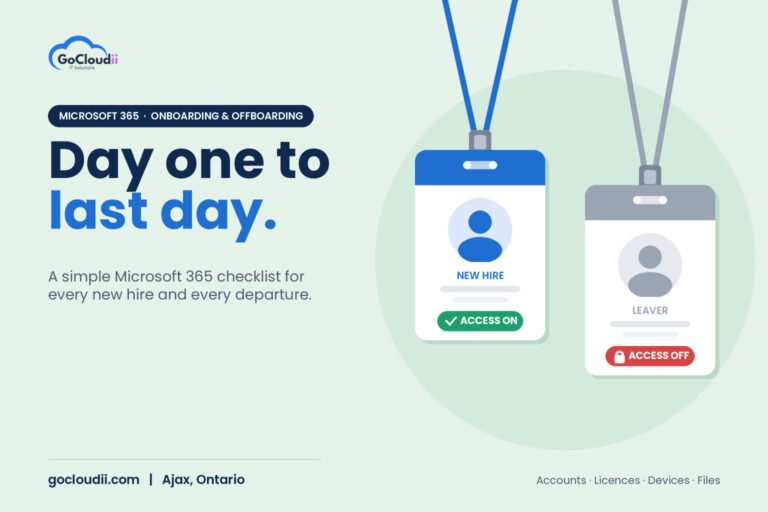
Two employee ID badges on lanyards, a blue New Hire badge marked Access On and a grey Leaver badge marked Access Off, illustrating a Microsoft 365 onboarding and offboarding checklist for Ontario businesses by GoCloudii, Ajax

Microsoft 365 Onboarding and Offboarding Checklist for Ontario Businesses

Step-by-step Microsoft 365 checklists for new hires and departing staff: accounts, licences, MFA, devices, email, OneDrive files and
Three moving boxes labelled Email, Calendars and Files travelling along a dashed arrow from a Google Workspace card to a blue Microsoft 365 card, illustrating a Google Workspace to Microsoft 365 migration in Ontario by GoCloudii, Ajax

Google Workspace to Microsoft 365 Migration in Ontario: A Step-by-Step Guide

How Ontario businesses can move from Google Workspace to Microsoft 365: what migrates, what needs planning, an 8-step
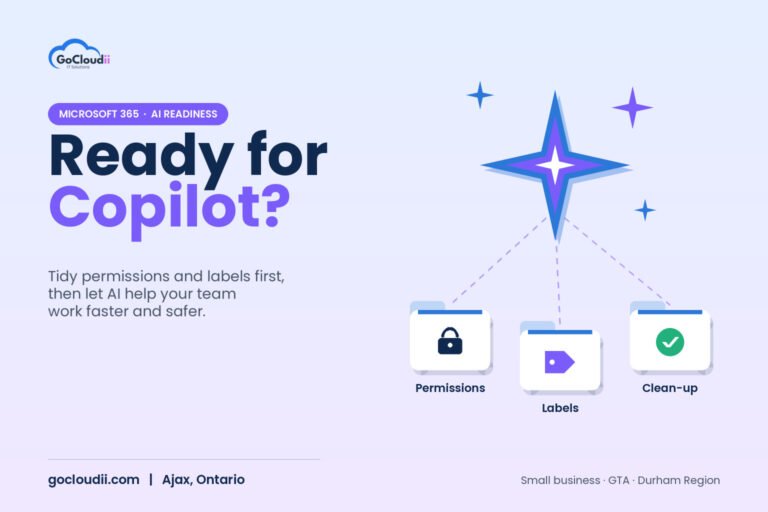
Blue and violet AI sparkle connected to three folders labelled Permissions, Labels and Clean-up, showing how to prepare for Microsoft 365 Copilot in a small business, GoCloudii, Ajax, Ontario

Microsoft 365 Copilot for Small Business in Ontario: How to Get Ready

What Microsoft 365 Copilot does, how it differs from Copilot Chat, why file permissions matter, and seven steps
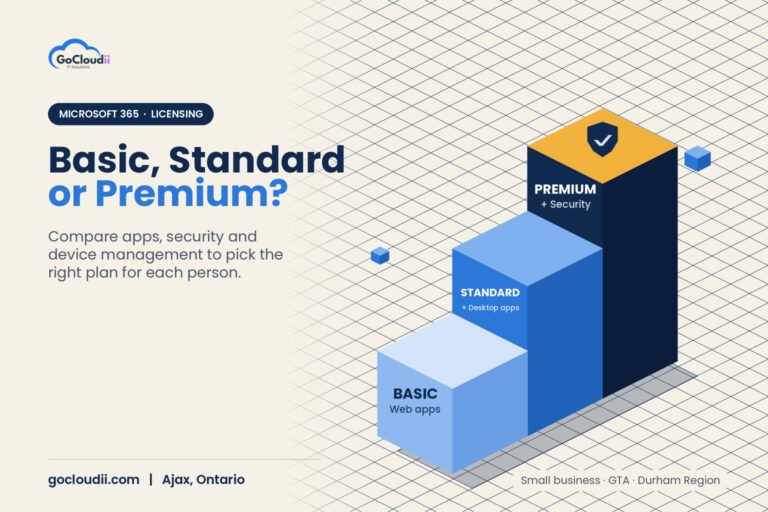
Isometric staircase of three blocks labelled Basic, Standard and Premium, with a security shield on the Premium block, comparing Microsoft 365 business plans for Ontario small businesses, GoCloudii, Ajax

Microsoft 365 Business Premium vs Standard: Which Plan Fits Your Ontario Business?

Microsoft 365 Business Premium vs Standard compared for Ontario small businesses: apps, Intune, Conditional Access, Defender, who needs
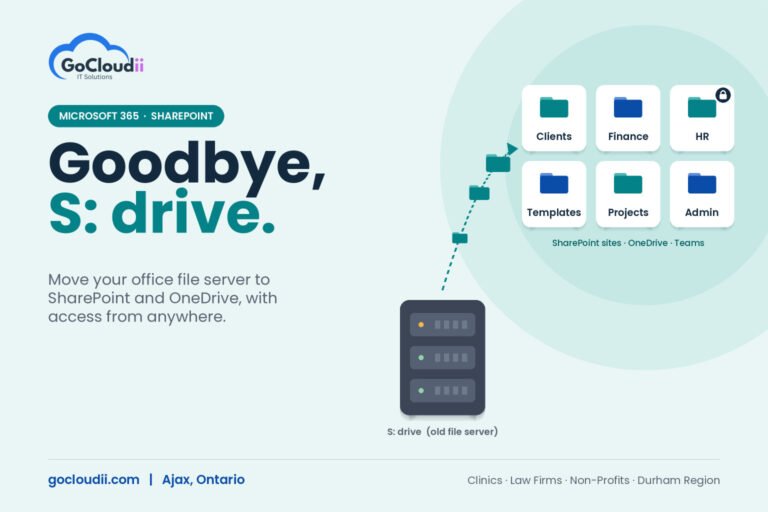
Folders moving from an old S: drive file server into SharePoint sites for Clients, Finance, HR and more, a file server to SharePoint migration by GoCloudii, Ajax, Ontario

File Server to SharePoint Migration: A Guide for Ontario Small Businesses

How Ontario small businesses move from an office file server to SharePoint and OneDrive: planning sites and permissions,
Newsletter

One useful IT tip, once a month

Security alerts that matter, Microsoft 365 features worth switching on, and practical checklists. No spam, unsubscribe anytime.

Bonus: get our Cybersecurity Checklist for Canadian SMBs (PDF) when you subscribe. We respect your privacy.

Looking for something specific?

Skip the reading

Rather have an expert just look at it?

Book a free 30-minute consultation and get answers specific to your business.

No obligation · Reply within one business day

Not sure where to start?

Book a free 20-minute IT check with a local IT person. No cost, no pressure.

Or call 289-914-0930