Many growing businesses have one or two people who look after IT. They know the staff, the software and the quirks of the office network. But they cannot be experts in everything, work around the clock or take a holiday without things piling up. Co-managed IT is designed for exactly this situation. Instead of replacing your internal IT person, a managed service provider works alongside them, filling gaps in tools, skills and coverage. This guide explains how co-managed IT services work for Ontario businesses, when they make sense and how to set up a partnership that works.
What is co-managed IT?
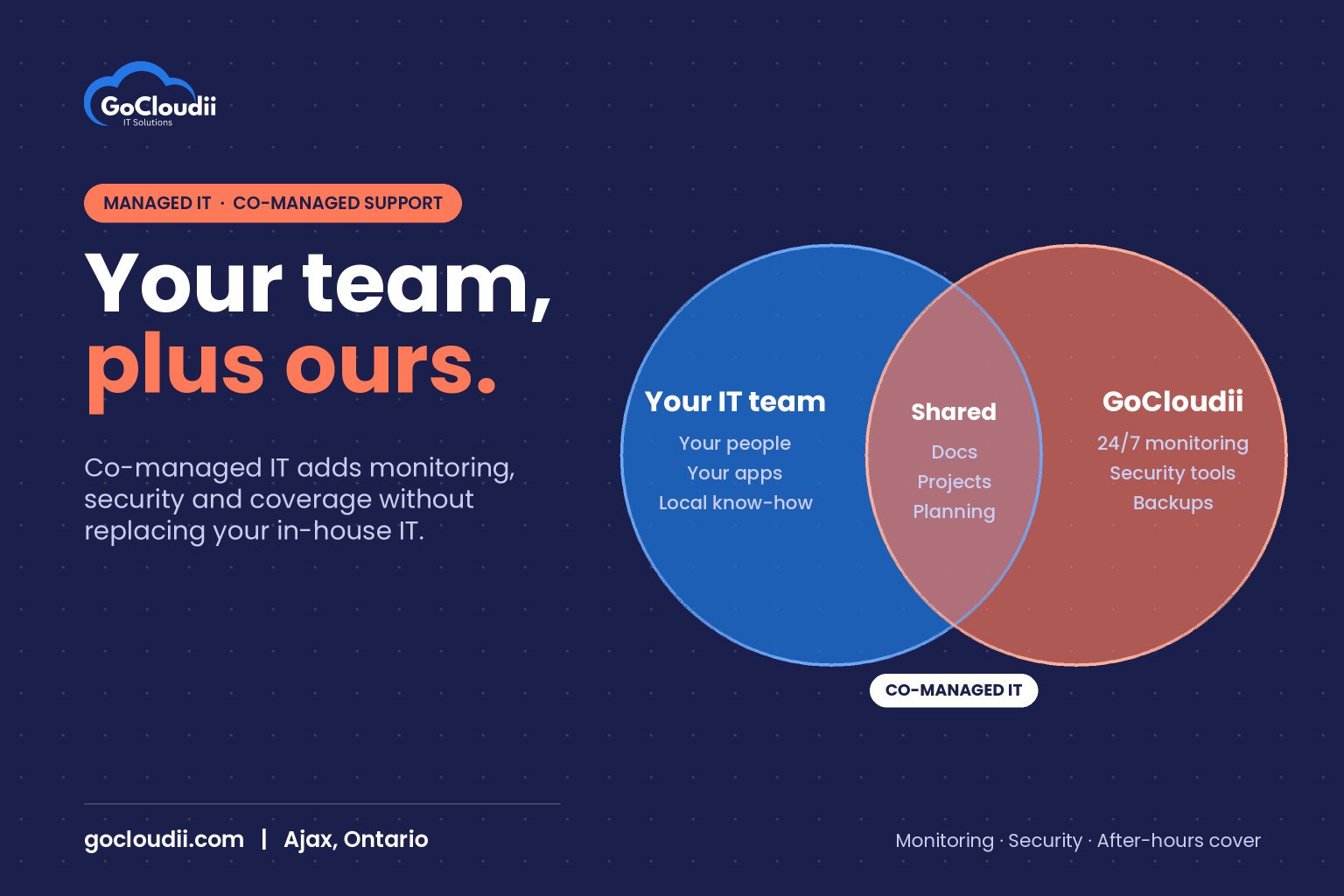
Co-managed IT is a shared support model. Your internal IT staff and an outside provider divide the work based on strengths and capacity. The split is different for every organization, but a common arrangement looks like this:
- Your internal team handles day-to-day requests, knows your people and processes, and manages line-of-business applications
- The provider supplies monitoring, patching, security tools, backup management, after-hours coverage and project support
- Both share documentation, a ticketing system and a clear escalation path
Unlike fully managed IT, you keep control and local knowledge in-house. Unlike hiring more staff, you gain a whole team’s skills for a predictable monthly cost.
Signs your business could benefit
Co-managed IT is often a good fit when:
- Your IT person is the only one who knows how everything works
- Security tasks such as patching, monitoring and reviewing alerts keep slipping
- Projects like migrations or office moves stall because daily support comes first
- Nobody covers evenings, weekends, sick days or vacations
- Leadership wants better reporting on risk, assets and spending
- Insurers or clients are asking security questions your team struggles to answer
If several of these sound familiar, your internal team is probably stretched, not underperforming.
Co-managed IT services in Ontario: what a provider typically covers
Monitoring and maintenance
The provider can monitor servers, workstations and network devices around the clock, apply patches on a schedule and flag issues before users notice them. Your internal staff get alerts and reports instead of discovering problems through complaints.
Security tools and expertise
Endpoint detection and response, email filtering, multi-factor authentication policies and security awareness training are often easier to deliver with a provider’s tools and experience. For example, a provider can manage Microsoft Defender for Business or Bitdefender GravityZone across your devices and investigate alerts. Our cybersecurity services explain what a strong baseline includes.
Microsoft 365 administration
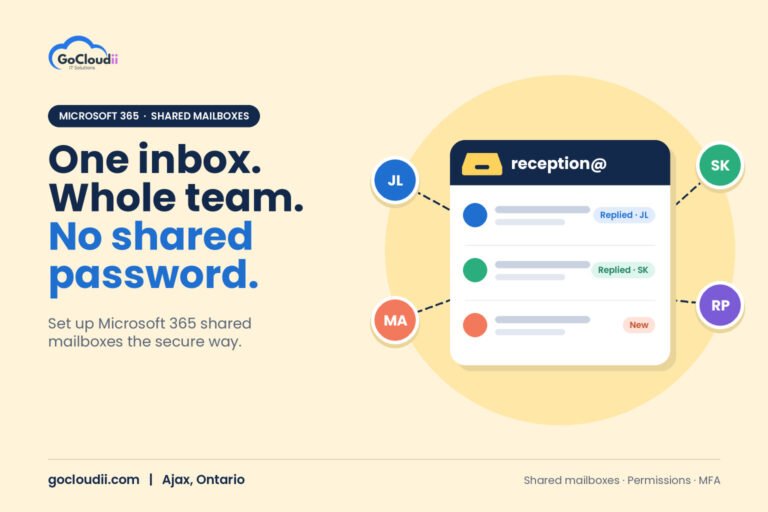
Licensing, security settings, SharePoint structure and device management through Intune can be shared or handed to the provider, depending on your team’s comfort. Our Microsoft 365 solutions cover this work.
Backup and recovery
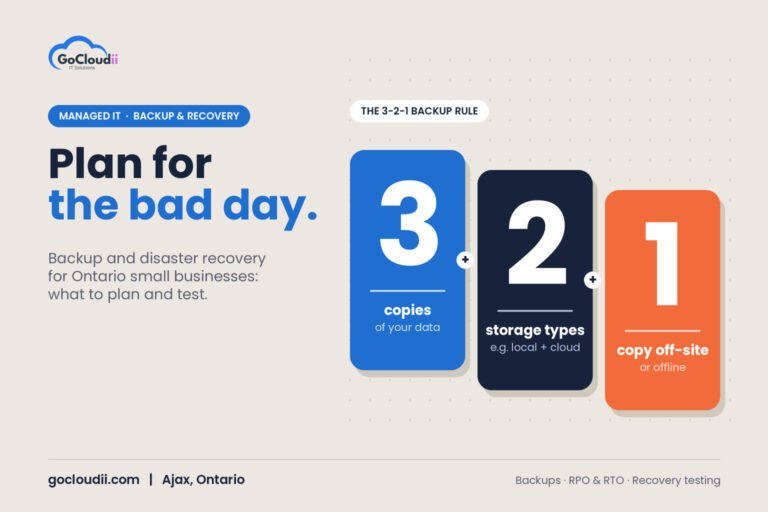
The provider can manage backups for servers and Microsoft 365, keep at least one copy attackers cannot change, and run regular restore tests, so your team knows recovery will work when it is needed.
Overflow help desk and after-hours support
When your IT person is busy, away or off the clock, the provider’s help desk can pick up requests. This keeps staff productive and gives your internal team time for higher-value work.
Projects and planning
Migrations, hardware refreshes, office moves and new systems benefit from extra hands and experience. Many providers also offer regular planning reviews to help set budgets and priorities.
How to set up a co-managed partnership
1. Define responsibilities clearly
Write down who owns what: user support, devices, servers, network, security, backups, vendors and projects. A simple responsibility matrix prevents gaps and duplicated effort.
2. Share tools and documentation
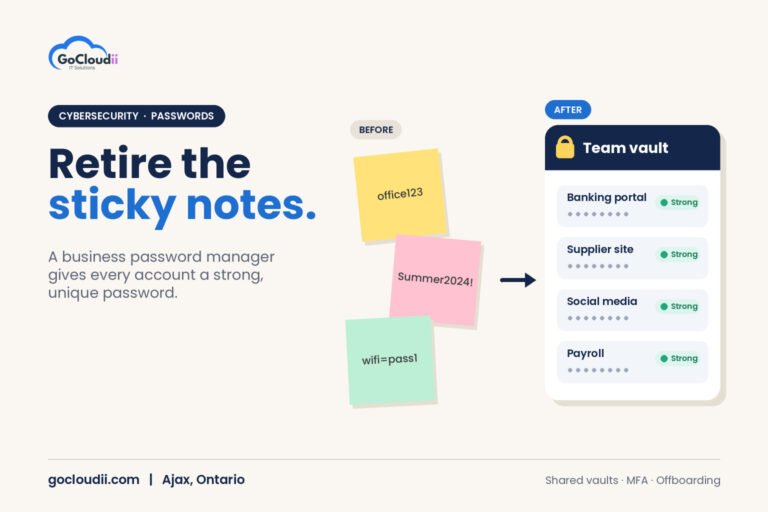
Agree on one ticketing system, one password manager and one place for documentation. Both teams should see the same information.
3. Set escalation rules
Decide which issues go to whom, how urgent problems are escalated and who has authority to make changes in production systems.
4. Protect admin access
Use named admin accounts with multi-factor authentication for everyone, internal and external. Avoid shared administrator passwords and review access regularly.
5. Meet regularly
A short monthly check-in and a quarterly review keep priorities aligned and give your internal IT lead a voice in planning.
Co-managed vs fully managed IT
Fully managed IT suits businesses without internal IT staff, where the provider handles everything. Co-managed IT suits businesses that want to keep their own IT person or team and add depth. Many organizations move between the two as they grow. For a closer look at how providers price these services, see our guide to managed IT services pricing in Ontario, and for questions to ask before you sign, read our guide to choosing a managed IT provider in Durham Region.
Frequently asked questions
Will a co-managed provider replace our IT person?
No. The goal is to support your internal staff, not replace them. A good provider makes your IT person more effective and less overloaded.
Who has final say on changes?
That is agreed at the start. Most businesses keep decision-making with their internal IT lead or leadership team, while the provider carries out agreed work and recommends improvements.
Can co-managed IT start small?
Yes. Many businesses begin with monitoring, security and backups, then add help desk coverage or project support later.
Talk to GoCloudii about co-managed IT
GoCloudii supports businesses in Ajax, Durham Region and across the GTA. Our managed IT services include 24/7 monitoring, endpoint protection, daily cloud backup and help desk support. Contact us for a free consultation to talk through what your internal team needs and whether a co-managed approach fits.