For accounting and bookkeeping firms, technology problems never arrive at a convenient time. A server that slows down in March, a laptop that will not start in April, or a phishing email that looks like it came from a client during the busiest week of tax season can cost billable hours and client trust. The fall is the best time to get ready. This guide explains what good IT support for accounting firms in the GTA looks like, and the practical steps that keep your team productive and your clients’ financial data protected all year.
Why accounting firms have unique IT needs
An accounting practice is a small office with big responsibilities. Common pressures include:
- Seasonal peaks. Tax season, year-end and filing deadlines concentrate work into a few intense months.
- Highly sensitive data. Client files include social insurance numbers, income details, banking information and business financials.
- Specialized software. Tax preparation, accounting, practice management and document management tools all need to work together.
- Frequent client file exchange. Documents move between clients and staff every day, often by email.
- Remote and hybrid work. Many staff work from home or between offices, especially during busy periods.
- Professional expectations. Clients, regulators and insurers increasingly expect firms to show how they protect information.
Generic IT support that only reacts when something breaks rarely fits this pattern.
IT support for accounting firms in the GTA: what to cover
Reliable, up-to-date workstations
Staff should have fast, consistently configured computers that are patched and replaced on a planned cycle, not when they fail during tax season. Dual monitors, reliable docking stations and a spare laptop ready to go can save hours on a deadline day.
Tax and accounting software support
Tax software updates, year-end releases, licence renewals and database connections need to be tested before the busy season begins. Your IT provider should coordinate with software vendors, keep installations consistent and know how your applications are set up.
Secure client file exchange
Emailing tax slips and financial statements as attachments is risky and hard to control. A secure client portal or properly configured SharePoint and OneDrive sharing, with expiry dates and limited access, gives clients an easy way to send and receive documents safely. Our Microsoft 365 solutions can help you set this up.
Strong cybersecurity
Accounting firms are attractive targets for phishing, account takeover and fraud during tax season. At a minimum, every firm should have:
- Multi-factor authentication on email, remote access and cloud apps
- Modern endpoint protection, such as Microsoft Defender for Business or Bitdefender GravityZone
- Advanced email filtering and SPF, DKIM and DMARC on your domain
- Security awareness training focused on tax-season scams
- A firm rule to confirm any change to banking or payment details by phone
Our cybersecurity services cover these essentials, and our post on cyber insurance requirements for Ontario accounting firms explains what insurers commonly ask about.
Backups and recovery
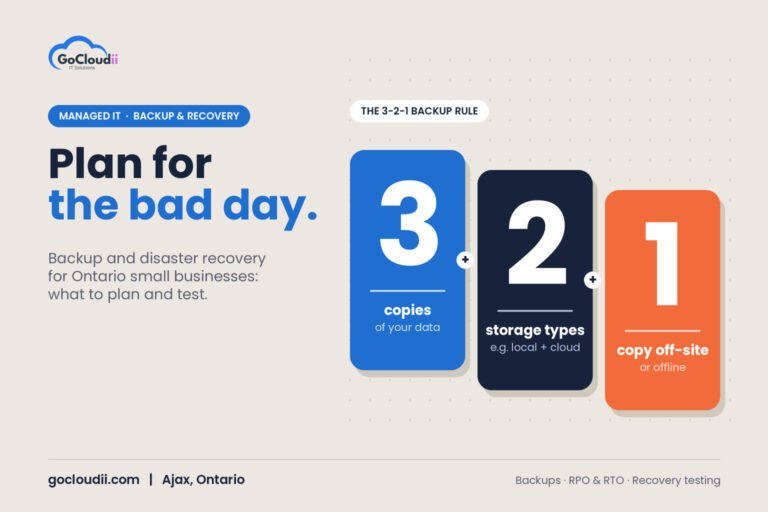
Back up client files, accounting databases and Microsoft 365 data, keep at least one copy that attackers cannot change or delete, and test restores regularly. Know how long it would take to get back to work if a server or laptop failed in the middle of April.
Secure remote access
Staff working from home need secure access to files and applications. Cloud services, protected remote desktop solutions and managed devices are safer than leaving ports open on an office server.
A pre-tax-season IT checklist
Use the fall and early winter to prepare:
- Review hardware. Replace slow or ageing computers before January.
- Update software. Confirm tax software versions, licences and installations for every user.
- Check security. Make sure MFA is on for every account and remove access for former staff and seasonal workers.
- Test backups. Restore a client folder and an accounting database to prove backups work.
- Plan seasonal staff. Prepare accounts, devices and access for temporary staff, and plan how to remove access afterwards.
- Train the team. Run a short session on tax-season phishing and fake client requests.
- Confirm support coverage. Know who to call for urgent issues, including evenings and weekends during peak periods.
Managed IT vs break-fix for accounting firms
With break-fix support, you call someone after a problem happens and pay by the hour. For a firm that cannot afford downtime during deadlines, a managed approach is usually a better fit. Managed IT provides proactive monitoring, patching, security tools, help desk support and planning for a predictable monthly cost. For more detail on how providers price these services, see our guide to managed IT services pricing in Ontario.
Frequently asked questions
When should an accounting firm prepare its IT for tax season?
Start in the fall. Hardware can take time to arrive, and updates and training are easier to complete before workloads rise in the new year.
Do small accounting practices need managed IT?
Often, yes. A sole practitioner or small firm usually has no in-house IT staff, so problems fall on the accountants themselves. Managed IT shifts that work to specialists and adds security tools that are hard to manage alone.
Is it safe to email tax documents to clients?
Regular email is not ideal for sensitive documents. A secure portal or controlled sharing links with expiry dates are safer and easier to audit.
Get your firm ready with GoCloudii
GoCloudii supports accounting and bookkeeping firms in Ajax, Durham Region and across the GTA. Our managed IT services include unlimited remote help desk support, 24/7 monitoring, device management, endpoint protection and daily cloud backup for a flat monthly fee per user. Contact us for a free consultation and a pre-tax-season IT review for your firm.