Non-profits run on trust. Donors, volunteers, clients and funders share personal information because they believe it will be protected. Yet many charities and community organizations work with tight budgets, shared computers, volunteer turnover and no in-house IT staff, which makes them easier targets for phishing, account takeover and ransomware. The good news is that strong protection does not require an enterprise budget. This guide sets out a practical plan for cybersecurity for non-profits in Ontario, using tools many organizations already have, such as Microsoft 365, Microsoft Defender and Bitdefender.
Why non-profits are targets
Attackers rarely choose victims by mission. They look for easy access and valuable data. Non-profits often have both:
- Donor and client records, including names, addresses, payment details and sometimes health or family information
- Payment processes that can be redirected with a convincing fake invoice or a spoofed email from the executive director
- Shared or reused passwords, especially for volunteers and part-time staff
- Older or donated computers that may no longer receive security updates
- Limited monitoring, so suspicious sign-ins can go unnoticed for weeks
A single compromised mailbox can be used to send fraudulent donation requests to your supporters, which damages trust that took years to build.
Cybersecurity for non-profits in Ontario: your privacy responsibilities
Privacy obligations depend on what your organization does. Canada’s federal private-sector privacy law, PIPEDA, applies to personal information collected in the course of commercial activities, so some non-profit activities are covered and others may not be. Organizations that deliver health care services may also have duties under Ontario’s PHIPA. Whatever the law requires, donors and clients expect their information to be handled carefully, and a breach can affect funding relationships. If you are unsure which rules apply, speak with a privacy professional.
A practical security plan for non-profits
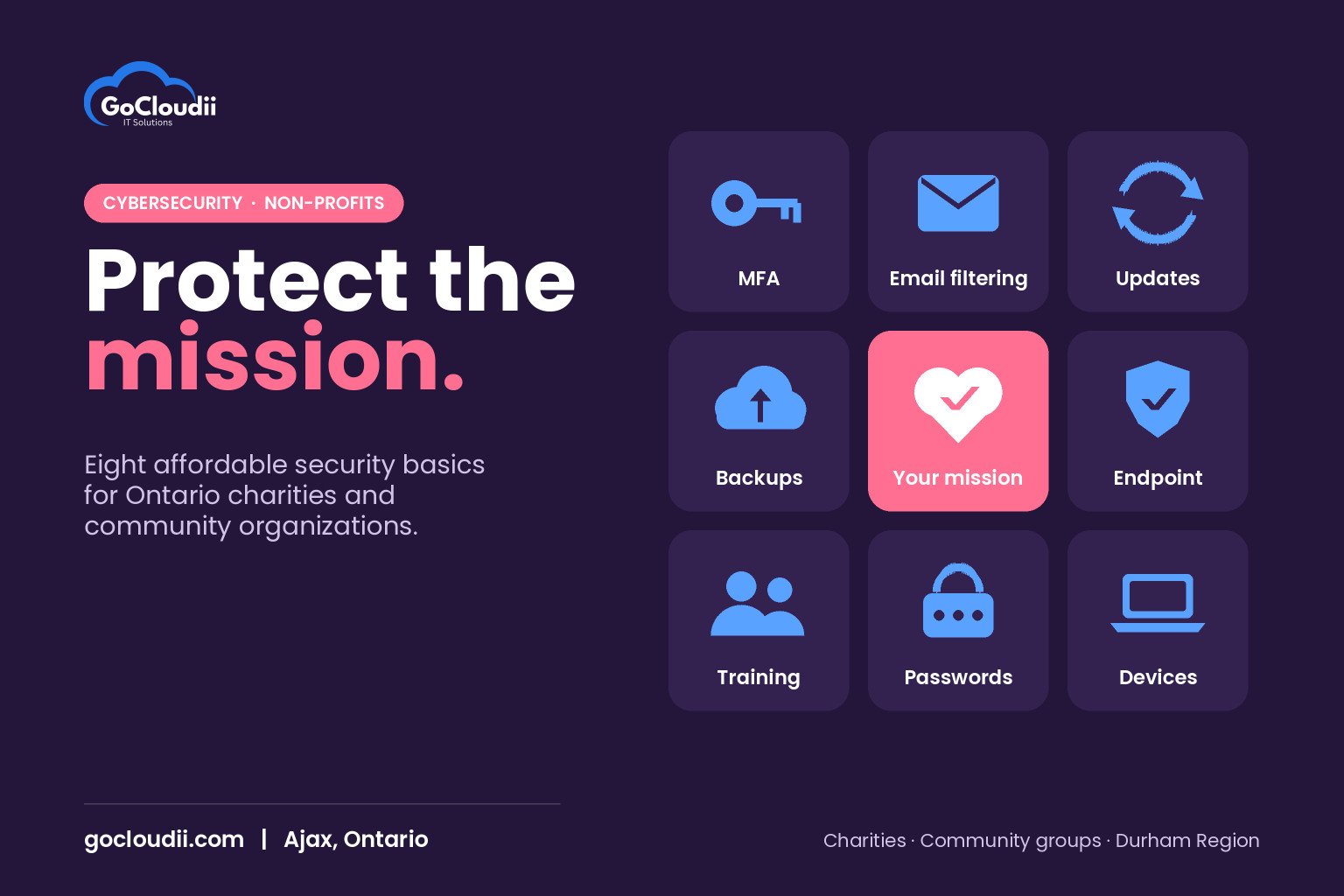
The Canadian Centre for Cyber Security publishes baseline security controls for small and medium organizations, and the steps below follow the same principles. Start at the top; each step builds on the last.
1. Turn on multi-factor authentication everywhere
Multi-factor authentication (MFA) blocks most attacks that rely on stolen passwords. Turn it on for Microsoft 365, your donor management system, online banking, payment platforms and social media accounts. Use an authenticator app rather than text messages where possible.
2. Give everyone their own account
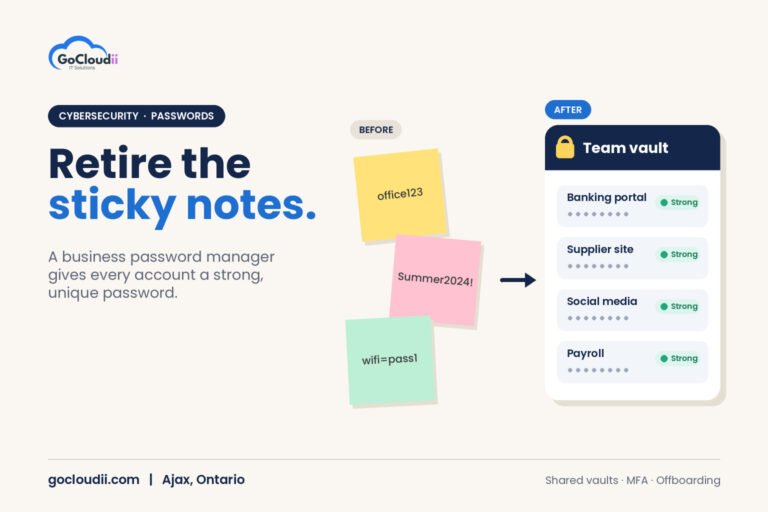
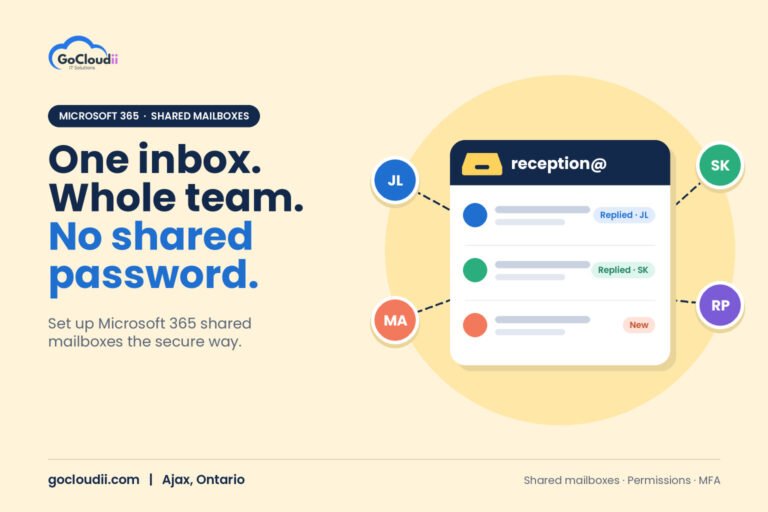
Shared logins make it impossible to know who did what and hard to remove access when someone leaves. Give staff and regular volunteers individual accounts, and remove access promptly when people move on. Microsoft 365 makes this easier to manage from one place.
3. Protect email
Most attacks start in the inbox. Use email filtering to block phishing and malicious attachments, and set up SPF, DKIM and DMARC so criminals cannot easily send email that appears to come from your domain. Our guide to SPF, DKIM and DMARC explains how these work.
4. Protect every device
Each computer should have modern endpoint protection. Microsoft Defender is built into Windows, and Defender for Business adds central management with endpoint detection and response. Bitdefender GravityZone is another strong option for managing protection across Windows, macOS and mobile devices. Either works well when it is configured, monitored and kept up to date. See our comparison of Microsoft Defender vs Bitdefender for help choosing.
5. Keep software updated
Turn on automatic updates for operating systems, browsers and common apps. Replace computers that can no longer receive security updates, even if they still run. Donated hardware should be checked before it is used for sensitive work.
6. Back up what matters and test it
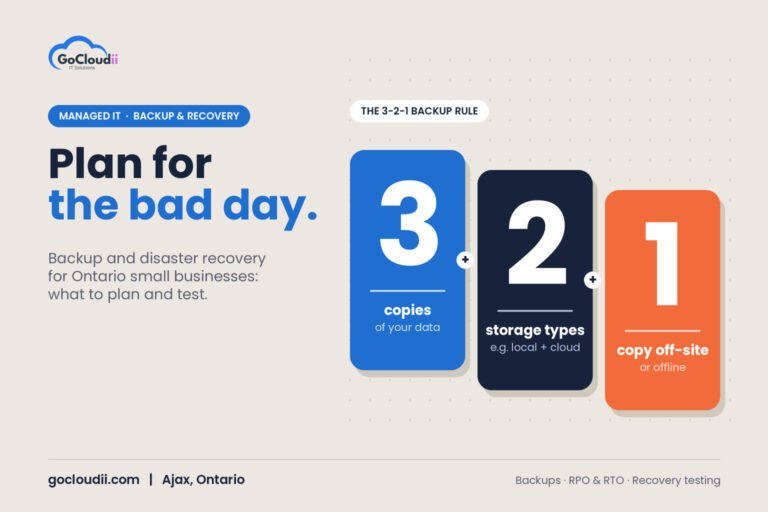
Back up Microsoft 365 mailboxes, OneDrive and SharePoint, as well as any donor or case management data. Keep at least one copy that cannot be changed or deleted by an attacker, and test a restore regularly.
7. Train staff and volunteers
Short, regular awareness sessions help people spot fake invoices, urgent payment requests and suspicious sign-in pages. Create a simple rule: any request to change banking details or send money must be confirmed by phone using a known number.
8. Write a simple incident plan
Decide in advance who to call, how to lock accounts, how to contact your bank and insurer, and how you will communicate with donors if something goes wrong. A one-page plan is far better than none.
Making security affordable
Budget is often the biggest barrier, but there are ways to stretch it:
- Check nonprofit pricing. Microsoft offers discounted Microsoft 365 plans for eligible non-profits, and other vendors have their own programs. Eligibility and offers change, so confirm the current terms.
- Use what you already pay for. Many organizations have security features in Microsoft 365 that were never turned on.
- Choose the right licence for each person. Not every volunteer needs the same plan. Our post on Microsoft 365 Business Premium vs Standard explains the differences.
- Include security in grant budgets. Many funders accept technology and security costs as part of operational funding.
Frequently asked questions
Do small non-profits really need cybersecurity?
Yes. Small organizations are often targeted precisely because attackers expect weaker defences. Even a volunteer-run group handles donor information and payments that need protection.
Is free antivirus enough?
Built-in Microsoft Defender is a solid starting point, but non-profits with staff and sensitive data benefit from centrally managed protection, such as Defender for Business or Bitdefender GravityZone, so someone can see and respond to threats across all devices.
What should we do first if we have a small budget?
Turn on MFA for every account, stop sharing passwords and confirm your backups work. These three steps cost little and close the most common gaps.
Protect your mission with GoCloudii
GoCloudii helps charities, community organizations and other non-profits in Ajax, Durham Region and across the GTA put sensible security in place. Our cybersecurity services cover MFA, email protection, endpoint protection and training, our Microsoft 365 solutions help you configure the tools you already have, and our managed IT services keep everything monitored and up to date. Contact us for a free consultation and a security review of your organization.