Most small businesses in Ontario already know they need Microsoft 365. The harder question is which plan to buy. Microsoft’s three business plans look similar on the pricing page, and many offices end up on Business Standard simply because it was the default when they signed up. That can leave security gaps, or mean paying for features nobody uses. This guide compares Microsoft 365 Business Premium vs Standard, explains where Business Basic fits, and helps GTA and Durham Region offices choose the right licence for each person on the team.
The three Microsoft 365 business plans at a glance
Microsoft’s business plans are designed for organizations with up to 300 users. All three include business email, file storage and Microsoft Teams. The differences are in the apps you get and, most importantly, the security and device management tools.
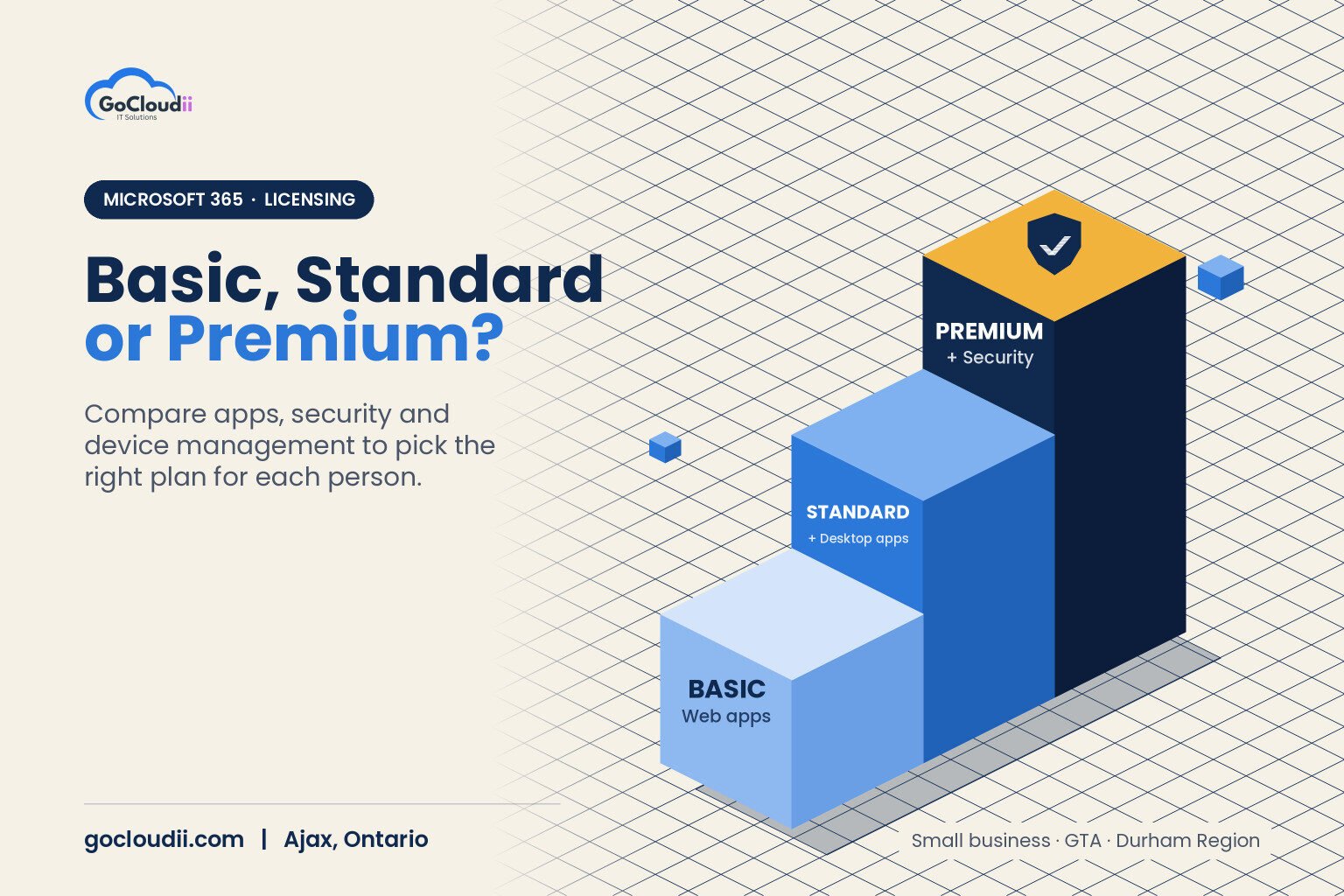
- Business Basic: web and mobile versions of Word, Excel, PowerPoint and Outlook, a 50 GB Exchange mailbox, 1 TB of OneDrive storage, SharePoint and Teams
- Business Standard: everything in Basic, plus the full desktop Office apps for Windows and Mac, which each user can install on up to five PCs or Macs, five tablets and five phones
- Business Premium: everything in Standard, plus advanced security, identity protection and device management tools
Think of each plan as a step up. You never lose features by moving up a plan; you add them.
Microsoft 365 Business Premium vs Standard: what Premium adds
Business Standard is a productivity plan. Business Premium is a productivity plan with a security suite built in. The main additions are:
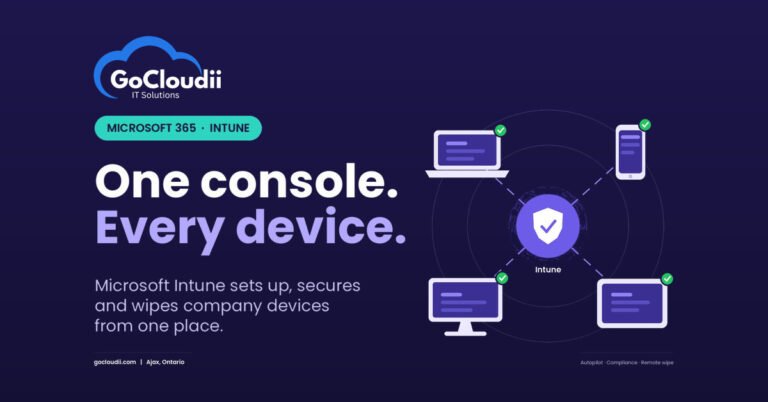
Microsoft Intune for device management
Intune lets your IT team manage laptops, desktops and phones from one place. You can require encryption, push updates, enforce screen locks and remotely wipe a lost or stolen device. Combined with Windows Autopilot, new computers can be set up automatically when a staff member signs in for the first time.
Microsoft Entra ID P1 and Conditional Access
Conditional Access lets you set rules for who can sign in, from where and on which devices. For example, you can block sign-ins from countries where you have no staff, or allow access to patient or client files only from company-managed devices. Every plan can use Microsoft’s free security defaults to turn on multi-factor authentication, but Conditional Access gives you far more control.
Microsoft Defender for Business
Defender for Business adds endpoint protection with detection and response for Windows, macOS, iOS and Android devices. It looks for suspicious behaviour, not just known viruses, and can isolate an infected device. Some businesses pair Microsoft 365 with another endpoint product such as Bitdefender instead, which is also a valid approach when it is managed properly.
Defender for Office 365 Plan 1
This adds Safe Links and Safe Attachments, which check links and email attachments for threats when they are opened, plus stronger protection against phishing and impersonation. Email remains the most common way attacks start, so this matters for every office.
Information protection and archiving
Premium includes Microsoft Purview tools such as sensitivity labels and data loss prevention, which can warn or block staff before sensitive information leaves the organization. It also includes Exchange Online Archiving for long-term email retention.
Who should choose Business Standard?
Business Standard can be the right fit when:
- Your team mainly needs desktop Office apps, email and Teams
- You already have a separate, properly managed security stack for endpoints, email filtering and device management
- You handle little sensitive personal information
- Your IT provider has turned on MFA through security defaults and monitors sign-ins
If you choose Standard, be honest about what is missing. Without Intune, Conditional Access and advanced email protection, you need other tools to cover those gaps.
Who should choose Business Premium?
For many Ontario offices, Business Premium is the better value because it replaces several separate security products. It is a strong fit for:
- Dental offices, clinics and healthcare practices that handle personal health information under PHIPA
- Law firms and accounting firms that hold confidential client files and are targets for email fraud
- Businesses applying for cyber insurance, since insurers commonly ask about MFA, endpoint detection and response, and device management
- Teams with remote or hybrid staff using laptops outside the office
- Non-profits and schools that store donor, student or family information
Where Business Basic fits
Business Basic works well for staff who only need email, Teams and web apps, such as front-desk staff on shared computers or seasonal employees. You can mix plans in the same Microsoft 365 tenant, so some users can be on Basic while others are on Premium. Keep in mind that security policies such as Conditional Access only protect the users who are licensed for them, so mixed setups need careful planning.
How to choose the right Microsoft 365 plan for your Ontario business
- List your users and what they actually do. Desktop apps, email only, or field work on phones.
- Identify the sensitive data you hold. Health records, legal files, financial information or donor data.
- Check your current security tools. Note what you already pay for in antivirus, email filtering and device management.
- Review insurance and compliance requirements. Your cyber insurance application and privacy obligations often answer the question for you.
- Compare total cost, not just licence cost. Premium can cost less than Standard plus several separate tools.
- Plan the rollout. Buying Premium does nothing until Intune, Conditional Access and Defender are configured correctly.
Also confirm where your data is stored. Our guide to Microsoft 365 data residency in Canada explains how this works for Canadian tenants, and remember that no plan replaces a proper Microsoft 365 backup.
Frequently asked questions
Can I upgrade from Business Standard to Business Premium?
Yes. You can switch licences without moving mailboxes or files. The important work comes after the switch, when the new security features are set up and tested.
Does Business Premium include antivirus?
Yes. Business Premium includes Microsoft Defender for Business, which provides next-generation antivirus plus endpoint detection and response.
Is Business Premium enough for PHIPA?
No licence makes a business compliant on its own. Business Premium gives you strong tools for protecting personal health information, but compliance also depends on policies, configuration, staff training and how you manage access.
Can I add Microsoft 365 Copilot to any business plan?
Microsoft 365 Copilot is sold as an add-on for business plans. It works best when permissions and data are well organized first, so files are only visible to the right people.
Get the right Microsoft 365 plan, set up properly
Choosing between Microsoft 365 Business Premium vs Standard is really a decision about how much security and device control your business needs. For most offices that handle client or patient information, Premium is the safer choice, as long as it is configured well. GoCloudii helps businesses in Ajax, Durham Region and across the GTA choose, license and configure Microsoft 365 solutions, with cybersecurity services and managed IT services to keep it running. Contact us for a free consultation and licence review.