Most cyberattacks on small businesses start with a person, not a machine. A convincing email, a fake invoice, a phone call from “IT support” or a text asking for a gift card purchase can get past even good security tools. That is why staff training matters as much as firewalls and antivirus. This guide explains how to build security awareness training for small businesses in Ontario: what to cover, how to run it without wasting time, and how to measure whether it is working.
Why security awareness training matters
Security tools block a lot, but attackers adapt quickly. Phishing emails now often have clean grammar, real logos and believable stories. Business email compromise schemes impersonate executives, suppliers or lawyers to redirect payments. A trained employee who pauses, checks and reports a suspicious message can stop an attack that technology missed.
Training also helps with outside expectations. Many cyber insurers ask whether staff receive regular security training, and clients in regulated sectors such as healthcare, legal and finance increasingly ask their suppliers the same question.
Security awareness training for small businesses in Ontario: what to cover
Keep the curriculum practical and tied to the threats your team actually sees.
Recognizing phishing
Teach staff the common warning signs:
- Urgent or emotional language, such as threats to close an account
- Sender addresses that do not quite match the real organization
- Unexpected attachments or links to sign-in pages
- Requests to bypass normal processes
Payment and invoice fraud
Anyone who handles money should know to verify any change in banking details by calling a known phone number, never the number in the email. Our post on law firm business email compromise shows how these scams work in practice.
Passwords and MFA
Explain why passwords should be long and unique, how a password manager helps, and why staff must never approve a multi-factor authentication prompt they did not start. Our guide to multi-factor authentication for small businesses covers the technical side.
Phone and text scams
Attackers call pretending to be IT support, a bank or a government agency. Staff should know that IT will never ask for their password and that it is always fine to hang up and call back through an official number.
Safe handling of client information
Cover where sensitive files should be stored, how to share them securely and what not to send by personal email or messaging apps. This is especially important for clinics, dental offices and law firms with privacy obligations.
Devices and remote work
Include locking screens, keeping devices updated, using secure Wi-Fi and reporting lost or stolen laptops and phones immediately.
How to report
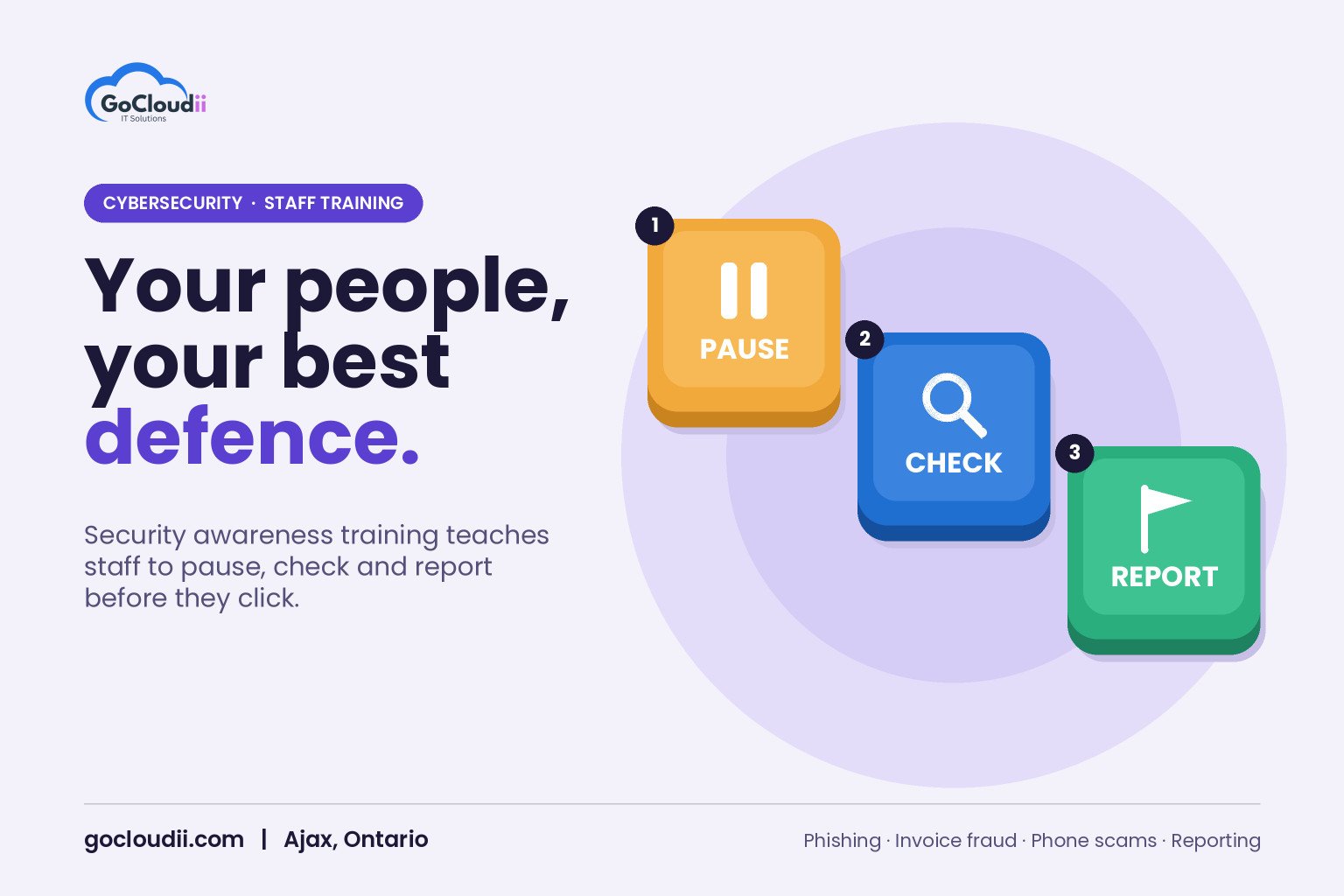
The most important lesson is simple: if something looks wrong, report it quickly. Give staff one clear way to report, such as a report button in Outlook or a dedicated email address, and thank people who do.
How to run training that people remember
Keep it short and regular
Long annual sessions are quickly forgotten. Short monthly or quarterly modules of a few minutes each tend to work better.
Use real examples
Show anonymized phishing emails your organization has actually received. Real examples are more memorable than generic slides.
Run phishing simulations
Simulated phishing emails let staff practise spotting threats in a safe setting. Microsoft offers attack simulation training in Microsoft Defender for Office 365 Plan 2, and many third-party platforms provide similar tools. Use simulations to teach, not to embarrass. Anyone who clicks should get immediate, friendly guidance.
Tailor training by role
Not everyone faces the same risks. Reception staff see the most phone scams, finance staff see invoice fraud, and administrators are targeted for their access. Add short, role-specific lessons on top of the core program. For example, bookkeepers can practise verifying a supplier’s change of banking details, while front-desk staff can rehearse what to say when a caller claims to be from IT.
Train new staff on day one
Add security basics to onboarding so new employees learn the rules before they receive their first suspicious email. Our Microsoft 365 onboarding and offboarding checklist can help.
Involve leadership
When owners and managers take part, staff see that security is a priority. Leaders are also frequent targets of impersonation, so they need the training too.
Free resources for Canadian businesses
The Canadian Centre for Cyber Security publishes free guidance for small and medium organizations, and its Get Cyber Safe campaign offers awareness materials you can share with staff. These are useful starting points alongside a structured program.
Measuring success
Track a few simple measures over time:
- Reporting rate: how many staff report suspicious emails, including simulations
- Click rate on simulations: this should fall as training continues
- Time to report: faster reports mean faster response
- Completion rate: whether everyone finishes their modules
Share results with leadership and celebrate improvement rather than singling people out.
Frequently asked questions
How often should we train staff?
Short training every month or quarter, plus regular phishing simulations, usually works better than a single annual session.
Is training enough on its own?
No. Training works best alongside email filtering, multi-factor authentication, endpoint protection such as Microsoft Defender or Bitdefender, and reliable backups.
What if someone clicks a real phishing link?
They should report it immediately so the account can be secured. A culture where people feel safe admitting mistakes leads to faster response and less damage.
Build a security-aware team with GoCloudii
GoCloudii helps businesses in Ajax, Durham Region and across the GTA turn staff into a strong line of defence. Our cybersecurity services cover staff training, email protection and endpoint security, supported by our managed IT services and Microsoft 365 solutions. Contact us for a free consultation.