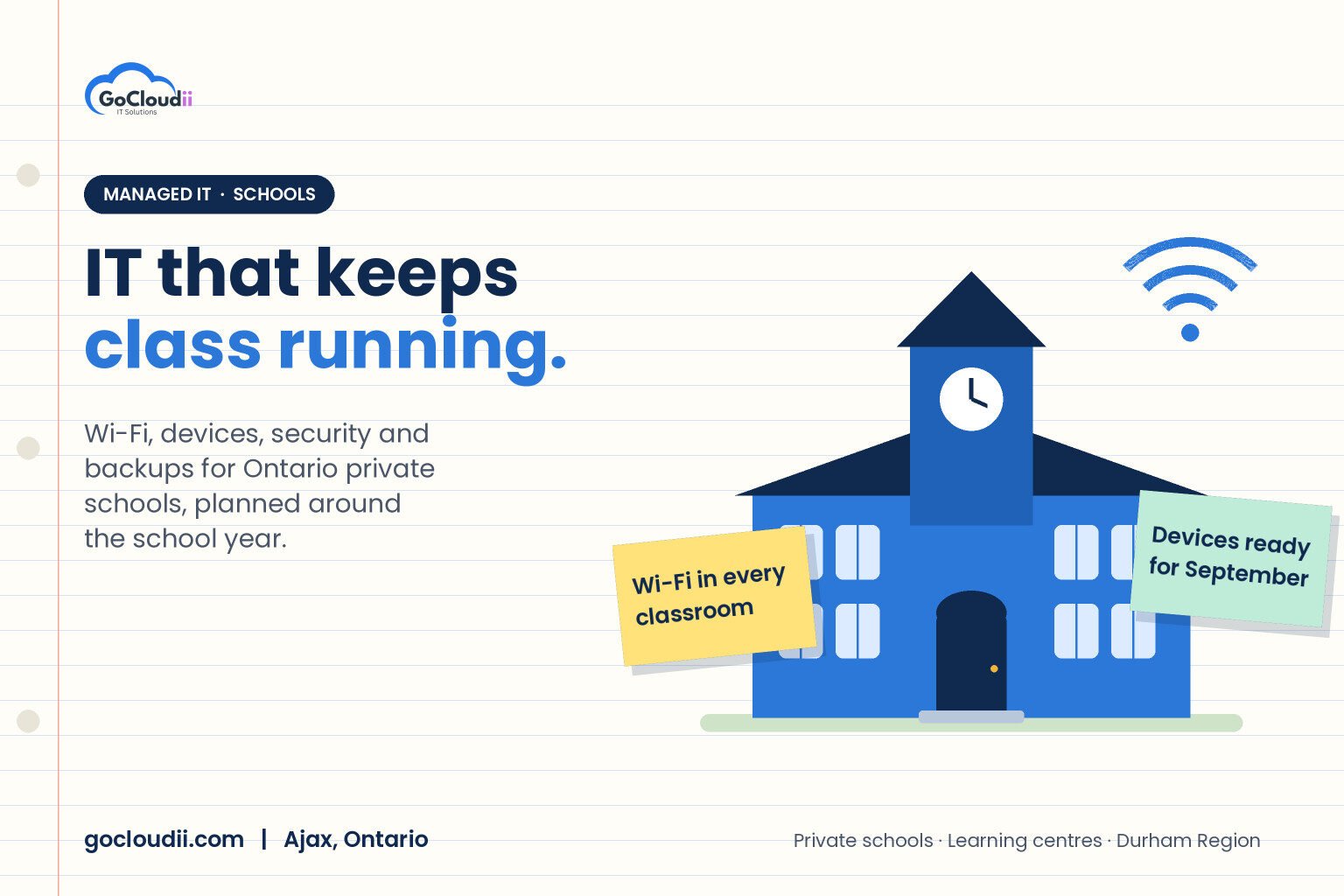
Private schools, independent schools and learning centres depend on technology every hour of the school day. Teachers present lessons from laptops, students submit work online, parents expect fast email replies and the office runs on admissions, billing and student information systems. When the Wi-Fi drops during a class or a teacher cannot sign in, learning stops. Yet many schools rely on one busy staff member or a part-time contractor to keep everything running. This guide explains what good IT support for private schools in Ontario looks like, and how managed IT services can help a school stay focused on teaching.
Why IT is different in a school
A school is not a typical office. It has its own patterns and pressures:
- Hundreds of users and devices, including staff laptops, classroom computers, tablets and personal devices
- Fixed timetables, so a problem at 8:45 a.m. affects a whole class immediately
- Young users who need safe, filtered internet access
- Sensitive information about students, families, health needs and tuition payments
- Seasonal workloads, with heavy activity at the start of the school year, report card periods and exams
- Summer breaks that are the best time for upgrades, but only if they are planned
IT support for a school needs to fit this rhythm, not the other way around.
IT support for private schools in Ontario: what to cover
Reliable Wi-Fi and networking
Classrooms full of devices put real pressure on wireless networks. A professional Wi-Fi design considers coverage in every room, the number of devices per access point and separate networks for staff, students and guests. Network equipment should be monitored so problems are spotted before teachers report them.
Device management
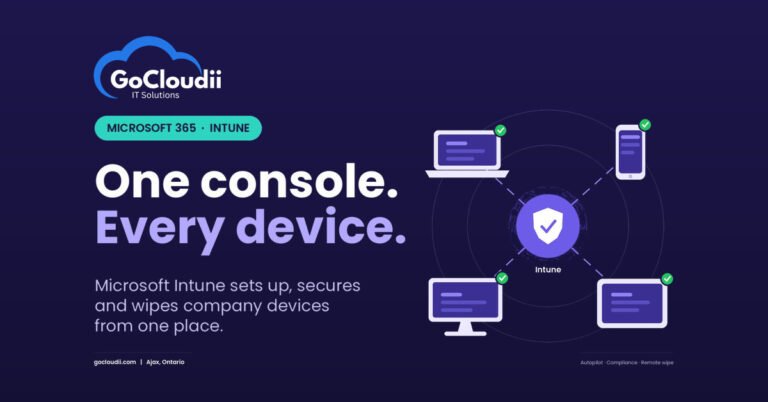
Staff and student devices should be set up consistently, kept up to date and easy to replace. Tools such as Microsoft Intune let a school manage Windows, macOS, iPad and Android devices centrally, push apps, enforce passcodes and wipe a lost device. This saves hours every September when new devices are handed out.
Microsoft 365 or Google Workspace for education
Most schools use Microsoft 365 or Google Workspace for email, file storage and online classrooms. Microsoft offers education licensing for eligible schools, and the right setup includes separate staff and student policies, controlled sharing, Teams for classes and well-organized SharePoint or OneDrive storage. Our Microsoft 365 solutions help schools configure this properly.
Content filtering and student safety
Schools need to keep students away from harmful content without blocking legitimate learning resources. Web filtering should apply both on campus and, where possible, on school-managed devices at home.
Cybersecurity
Schools hold valuable personal information and are attractive targets for phishing and ransomware. At a minimum, every school should have:
- Multi-factor authentication for all staff accounts
- Modern endpoint protection, such as Microsoft Defender or Bitdefender
- Email filtering to block phishing and malicious attachments
- Regular security awareness training for staff
- Clear rules for who can access student records
Our cybersecurity services cover these essentials.
Backups and recovery
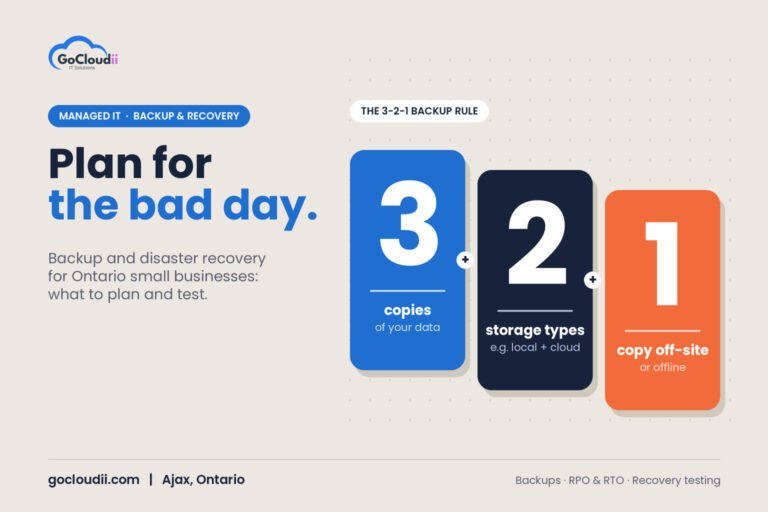
Student records, report cards, admissions files and finance data must be backed up, including data stored in Microsoft 365. Keep at least one copy that attackers cannot change or delete, and test restores regularly so you know how long recovery takes.
Classroom and office support
Projectors, interactive displays, printers and sound systems all generate support requests. Teachers need a quick way to log an issue and a fast response, ideally without leaving their classroom.
Privacy and trust
Families trust schools with information about their children. Privacy obligations for private schools depend on the organization and its activities, so it is worth getting advice on which laws apply to you. Regardless of the legal details, a school should know where its data is stored, who can access it and how quickly it can respond to an incident. If you store data in Microsoft 365, our guide to Microsoft 365 data residency in Canada explains where it lives.
Planning around the school year
The best school IT providers plan with the calendar:
- Spring: review devices, licences and the budget for next year
- Early summer: order hardware and schedule upgrades
- Summer: replace devices, upgrade Wi-Fi, apply major updates and test backups
- Late August: prepare staff accounts, set up new devices and test classrooms
- September: provide extra on-site and remote support during the first weeks
- Throughout the year: monitor, patch and review security monthly
In-house IT vs managed IT for schools
Some schools have a dedicated IT coordinator, which is valuable. But one person cannot cover every skill, every holiday and every emergency. Managed IT can replace an in-house team or work alongside one, adding 24/7 monitoring, security tools, help desk coverage and project support. For a closer look at the costs, see our guide to managed IT services pricing in Ontario.
Frequently asked questions
Can a managed IT provider support our existing IT coordinator?
Yes. Many schools use a co-managed model, where the in-house coordinator handles day-to-day classroom needs and the provider handles monitoring, security, backups, projects and after-hours coverage.
When should we plan technology upgrades?
Plan in the spring and complete major work over the summer. Hardware can take time to arrive, so ordering early avoids rushing before September.
Do schools really need multi-factor authentication?
Yes. Staff accounts give access to student records, finances and parent communications. MFA is one of the most effective ways to prevent account takeover.
Talk to GoCloudii about school IT support
GoCloudii supports private schools, learning centres and other education organizations in Ajax, Durham Region and across the GTA. Our managed IT services include unlimited remote help desk support, 24/7 monitoring, device management, endpoint protection and daily cloud backup for a flat monthly fee per user. Contact us to book a free consultation and plan your school’s technology for the year ahead.