A dental office runs on technology from the moment the first patient checks in. The front desk books appointments and processes insurance claims, operatories pull up charts and digital X-rays, and the sterilization log, phones and payment terminals all need to work. When something breaks, chairs sit empty. That’s why more practices are choosing managed IT over calling a technician only when something fails. This guide explains what dental office IT support in Ontario should cover, what Ontario privacy rules expect from a practice, and how to tell whether your current setup is putting your schedule at risk.
Why dental offices need specialized IT support
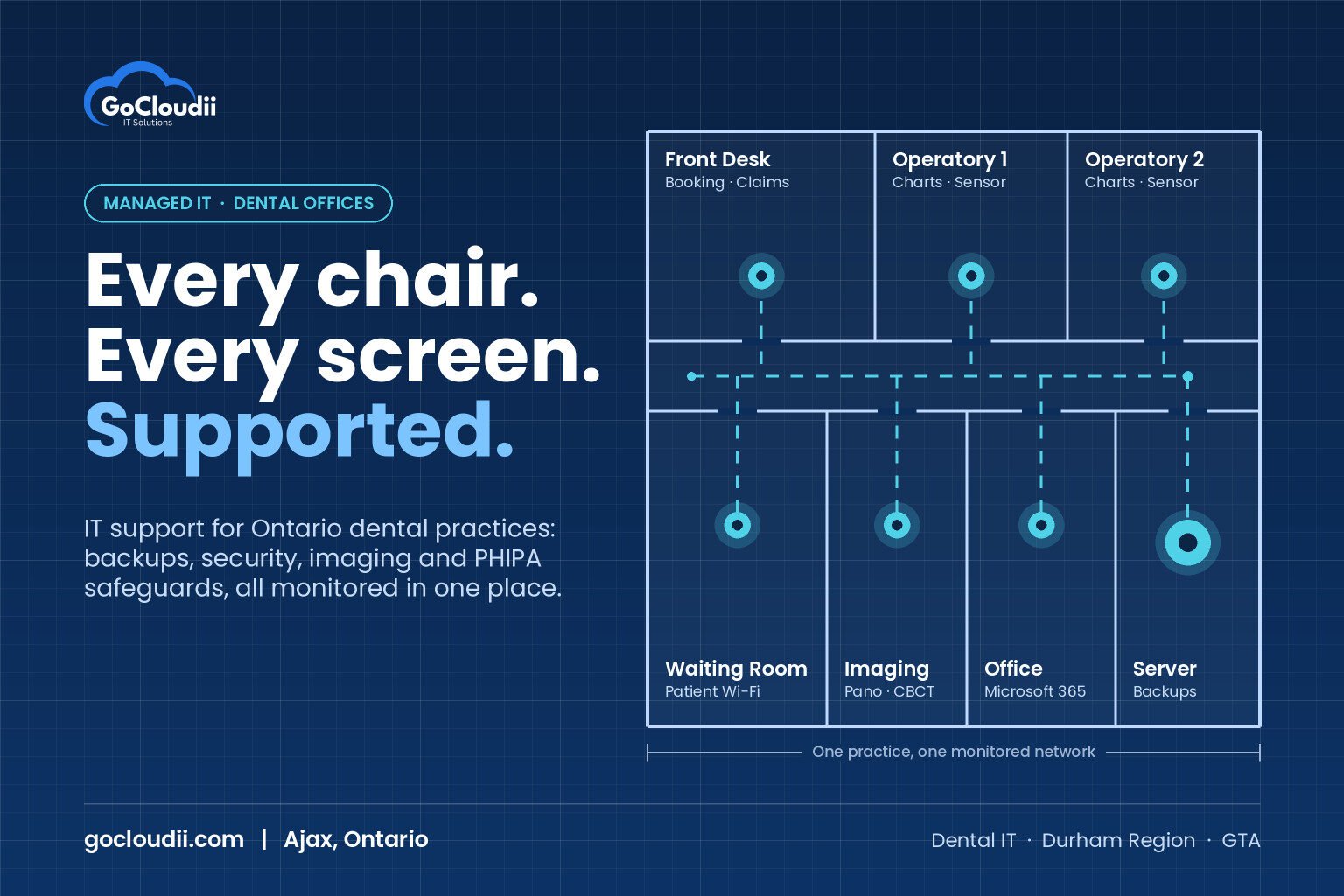
A general office can usually get by with a few laptops and an internet connection. A dental practice is different. It typically runs:
- Practice management software for scheduling, charting, billing and insurance claims
- Digital imaging, such as intraoral sensors, panoramic units and sometimes CBCT, each with its own software and drivers
- A server or cloud system that stores patient records and images
- Workstations in every operatory, often shared by dentists, hygienists and assistants
- Phones, printers, payment terminals and patient Wi-Fi
These systems depend on each other. An imaging bridge that stops talking to your practice management software, or a Windows update that breaks a sensor driver, can stall a whole morning of appointments. Dental office IT support needs someone who understands how these pieces fit together, not just how to fix a single computer.
What Ontario privacy law expects from a dental practice
In Ontario, dentists are health information custodians under the Personal Health Information Protection Act (PHIPA). In plain terms, that means your practice must:
- Take reasonable steps to protect patient information against theft, loss and unauthorized access, use or disclosure
- Notify affected patients at the first reasonable opportunity if their information is stolen, lost or accessed without authorization, and report certain breaches to the Information and Privacy Commissioner of Ontario
- Keep records of privacy breaches and report annual breach statistics to the Commissioner
The law doesn’t list specific technologies, but “reasonable steps” in practice means things like unique logins for each staff member, encrypted devices, tested backups, up-to-date software and the ability to show who accessed a record. A managed IT provider should help you put these safeguards in place and keep evidence that they’re working. Your own privacy officer and legal adviser remain responsible for compliance decisions, so treat IT as the tool that supports those decisions.
What managed IT for a dental office should cover
1. Proactive monitoring and maintenance
Good managed IT services watch your server, workstations and network around the clock, so problems like a failing hard drive or a full backup disk are caught before they interrupt patient care. Windows and software updates should be tested and scheduled outside clinic hours, with extra care for imaging and practice management software that may not support the newest version right away.
2. Backups you can actually restore
Patient charts and X-rays are irreplaceable. A dental practice should have:
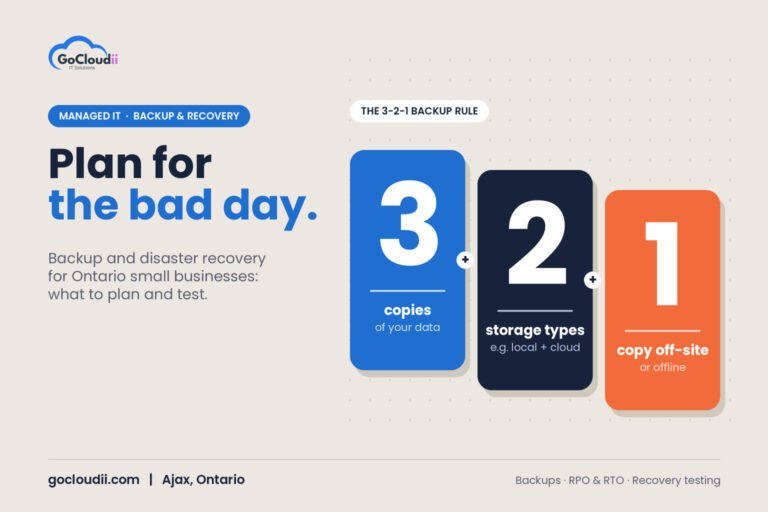
- Automatic daily backups of the practice management database and imaging files
- At least one copy stored offsite or in the cloud, separate from your office network
- Regular test restores, so you know the backup works before you need it
Ransomware often targets backups first, so keeping one copy that can’t be changed or deleted from the office network is one of the most important protections you can have.
3. Cybersecurity built for healthcare
Phishing emails, stolen passwords and ransomware are the most common ways attackers get into small healthcare offices. Strong dental IT security includes:
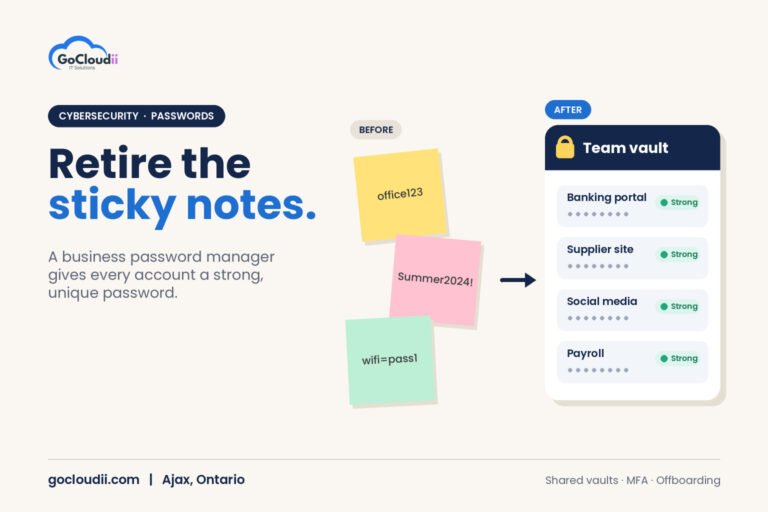
- Multi-factor authentication on email and remote access
- Business-grade endpoint protection, such as Microsoft Defender for Business or Bitdefender GravityZone, on every computer
- A firewall with secure remote access for dentists who review charts from home
- Separate Wi-Fi networks for patients and practice systems
- Security awareness training so front-desk staff can spot fake invoices and suspicious links
Our cybersecurity services team can review these protections for your practice.
4. Microsoft 365 set up for a clinic
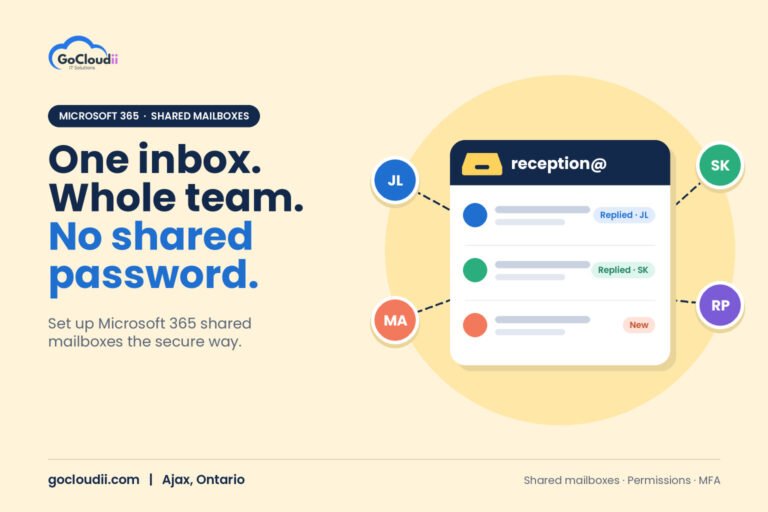
Most practices already use Microsoft 365 for email. Set up properly, it can also provide encrypted email for sending records to specialists, shared mailboxes for the front desk, secure file storage, and device management so a lost laptop can be locked or wiped. Our Microsoft 365 solutions help clinics configure these features with security in mind.
5. Vendor coordination
When your imaging system or practice management software has a problem, someone has to call the vendor, explain the issue and stay on until it’s fixed. A managed IT provider can handle that coordination so your office manager can focus on patients.
6. Planning for growth and new equipment
Adding an operatory, opening a second location or buying a new CBCT unit all affect your network and storage. A good IT partner plans the cabling, workstation specs and storage space before the equipment arrives, not after.
Signs your dental office has outgrown break-fix IT
Consider a managed approach if any of these sound familiar:
- The server lives under the front desk and no one is sure when it was last backed up
- Staff share one login on operatory computers
- Computers are still running Windows 10 or other unsupported software
- You only hear from your IT person when something is already broken
- No one can say how quickly you could restore patient records after a ransomware attack
How to choose dental office IT support in the GTA
When comparing providers, ask:
- Do you support practices that use our practice management and imaging software?
- How do you protect and test our backups?
- What are your response times during clinic hours?
- Can you help us document the safeguards PHIPA expects?
- Will we have a predictable monthly cost?
A provider close to your practice also helps when someone needs to be on site for new equipment or a failed workstation.
Frequently asked questions
Does PHIPA apply to dental offices in Ontario?
Yes. Dentists who collect, use or disclose personal health information in Ontario are health information custodians under PHIPA, so they must protect that information and report certain privacy breaches.
Can dental practice software run in the cloud?
Some practice management systems offer cloud versions, while others still need a local server, especially for imaging. Your IT provider should review your software and help you choose the right setup.
How often should a dental office back up patient data?
At least daily, with one copy stored offsite or in the cloud and regular test restores. Busy practices may back up more often to limit how much work could be lost.
Related reading: The 2026 IT Security Checklist for GTA Clinics, Dental Offices, Law Firms and Non-Profits · Microsoft 365 Data Residency in Canada: A Guide for Ontario Clinics and Law Firms
Get dependable IT support for your dental practice
GoCloudii is a managed IT provider based in Ajax, supporting dental offices, clinics and other healthcare practices across Durham Region and the GTA. Our managed IT services cover monitoring, backups, security and vendor coordination so your team can focus on patients. Contact us to talk about your practice’s IT.