
If you run a dental office in Pickering, a physiotherapy clinic in Oshawa, a law practice in Whitby or a non-profit in Scarborough, you already know the feeling: your team is busy serving patients and clients, and IT is the thing everyone hopes will just work. Then a staff member clicks a convincing email, a laptop goes missing, or a server dies on a Monday morning.
For offices that handle health records, legal files or donor data, those moments are more than an inconvenience. They can trigger privacy reporting obligations, regulator questions and lost trust. The good news is that most incidents we see across Durham Region and the GTA are preventable with a handful of well-run basics.
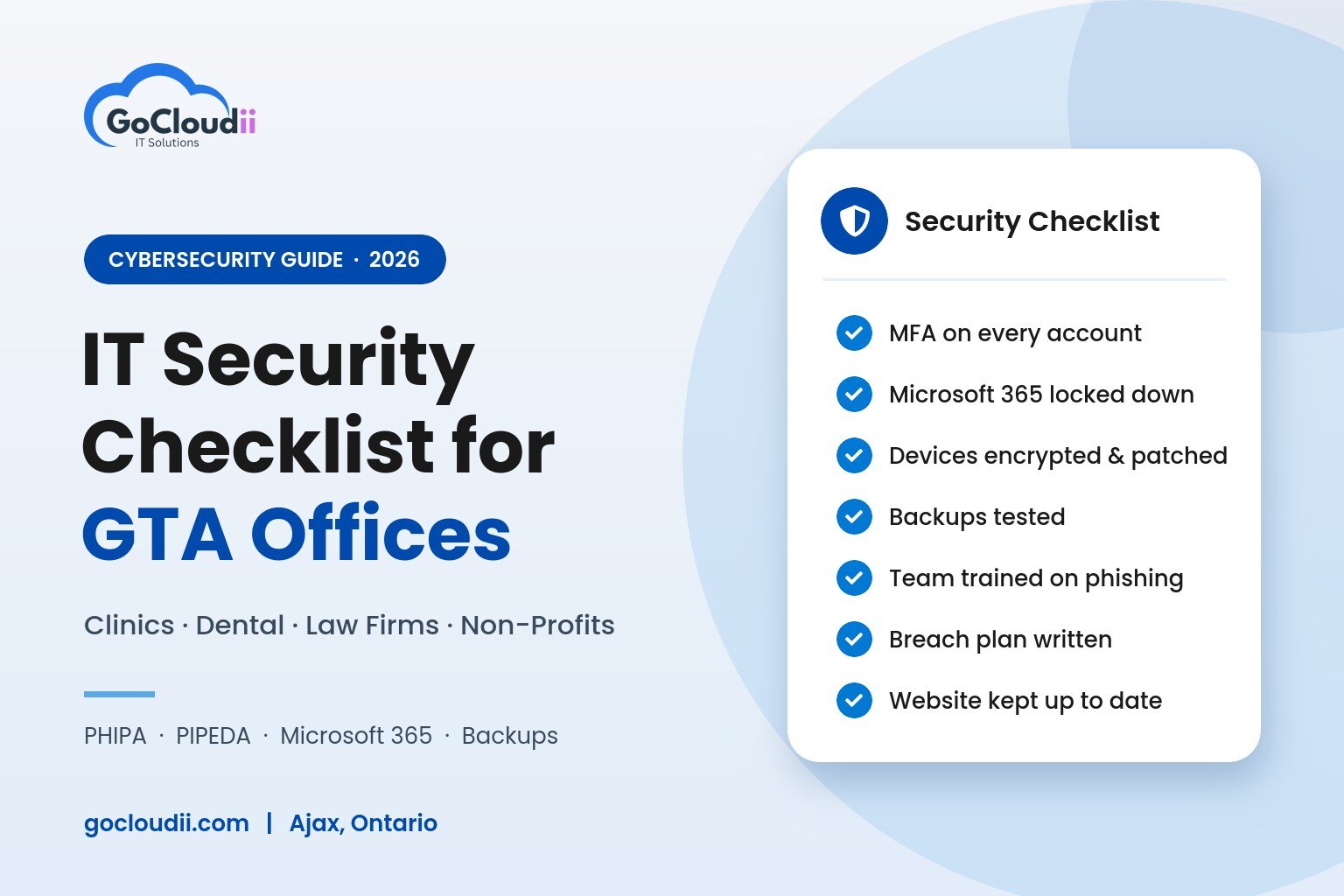
Here is the checklist we use with small and mid-sized offices across Ontario. Use it to see where you stand today.
Why small offices in Ontario are a target
Attackers don’t need you to be big. They need you to be busy. Small offices often have shared passwords, older computers, no one watching for alerts, and email accounts full of sensitive attachments. That combination makes a clinic or a five-lawyer firm an easier payday than a large hospital or bank.
Ontario’s rules also raise the stakes:
- Health information custodians (dentists, physicians, clinics, pharmacies and other health practices) fall under the Personal Health Information Protection Act (PHIPA). Patients must be notified of a privacy breach at the first reasonable opportunity, certain breaches must be reported to the Information and Privacy Commissioner of Ontario (IPC), and custodians file an annual breach statistics report by March 1.
- Private-sector businesses such as law firms, accounting offices and many service companies fall under the federal PIPEDA. Breaches that create a real risk of significant harm must be reported to the Office of the Privacy Commissioner of Canada and to affected individuals, and every breach must be recorded and kept for at least 24 months.
- Lawyers and paralegals are expected by the Law Society of Ontario to protect client confidentiality, including the technology that stores client files.
Good IT is how you meet those obligations in practice. This post is general information, not legal advice, so check your specific duties with your college, regulator or lawyer.
The checklist
1. Turn on multi-factor authentication everywhere
Stolen passwords are still the most common way in. Multi-factor authentication (MFA) stops most of those attacks, even when a password leaks.
- MFA on every Microsoft 365 account, including the owner’s and the front desk’s
- MFA on remote access, practice management software and banking
- Legacy sign-in methods that bypass MFA turned off
2. Lock down Microsoft 365, not just your inbox
Most GTA offices now run on Microsoft 365, but many are using the default settings they started with. Microsoft gives you strong tools; they just need to be configured.
- Advanced email filtering for phishing and malicious attachments
- Sensitive files stored in SharePoint or OneDrive with sharing limits, not on personal devices
- Data loss prevention rules for health card numbers, SIN numbers and similar data
- Former staff accounts disabled the day they leave
- Data stored in Canadian datacentres where your licence and tenant allow it
Our Microsoft 365 solutions cover setup, migrations and ongoing security for Teams, SharePoint, OneDrive and Outlook.
3. Protect every computer and phone that touches client data
- Modern endpoint protection (not just free antivirus) on every workstation and laptop
- Full-disk encryption on laptops, so a stolen device is not a reportable breach
- Operating system and application updates applied automatically and checked
- Phones that access email enrolled in device management, with the ability to wipe them remotely
- Windows 10 machines replaced or covered, since Microsoft ended standard support in October 2025
4. Back up, then prove you can restore
Ransomware is designed to encrypt your files and your backups. A backup only counts if it is separate, protected and tested.
- Daily backups of servers, Microsoft 365 mailboxes and cloud files
- At least one copy kept offline or immutable, so ransomware can’t change it
- A test restore done at least every quarter, with the result written down
5. Train your team, briefly and often
Your front desk, hygienists, law clerks and volunteers are your first line of defence. A short, regular habit beats a once-a-year slideshow.
- Short phishing awareness training at onboarding and through the year
- A simple rule for payment or banking changes: always confirm by phone using a number you already have
- One clear person to tell when something looks wrong, with no blame for reporting
6. Have a written plan for the bad day
- Who to call first (your IT provider, insurer and privacy lawyer)
- How to decide whether a breach must be reported to the IPC or the Privacy Commissioner of Canada
- A breach log, kept up to date, to meet record-keeping rules
- Cyber insurance requirements reviewed, since many insurers now require MFA, endpoint protection and tested backups
7. Don’t forget your website
Your website is often the first thing patients and clients see, and an outdated WordPress site can be an easy way in for attackers.
- WordPress core, theme and plugins kept up to date
- Contact and booking forms that don’t email sensitive health or legal details in plain text
- SSL certificate, regular backups and uptime monitoring in place
What this looks like by industry
| Industry | Biggest risk we see | First fix |
|---|---|---|
| Dental offices | Shared front-desk logins and imaging PCs that never get updated | Individual accounts with MFA and managed patching |
| Medical and health clinics | Patient records emailed or stored on laptops | Encrypted devices and secure Microsoft 365 sharing |
| Law firms | Wire fraud from spoofed emails on real estate and settlement files | Email filtering and phone verification for payment changes |
| Non-profits | Volunteers and staff using personal devices and shared passwords | Device management and Microsoft 365 nonprofit licensing set up properly |
| Education and tutoring | Student records spread across personal accounts | One managed tenant with clear access rules |
Can you do this yourself?
Some of it, yes. Turning on MFA and setting up a backup are good first steps any office can take this week. The harder part is keeping it all working: watching alerts at 2 a.m., patching every device, checking that backups actually restore and reviewing settings as Microsoft changes them.
That is where managed IT services come in. Instead of hoping things are fine, a provider monitors, patches and supports your systems for one predictable monthly fee, and is accountable when something goes wrong.
How GoCloudii helps GTA offices
GoCloudii is a Canadian managed IT provider based in Ajax, Ontario. We support dental offices, clinics, law firms, non-profits and professional offices across Durham Region and the Greater Toronto Area, with remote support across Canada and on-site visits when you need them.
- Managed IT services: help desk, monitoring, patching and IT planning
- Cybersecurity services: endpoint protection, email security, MFA and backups
- Microsoft 365 solutions: licensing, migrations and secure configuration
- Web design and hosting: managed WordPress hosting with updates handled for you
Not sure where your office stands? We’ll walk through this checklist with you and give you a prioritized list of what to fix first. No sales script, no obligation.
Book a free consultation or call us at 289-914-0930.
Frequently asked questions
Do small dental offices and clinics really need to worry about PHIPA?
Yes. PHIPA applies to health information custodians of every size, including solo practitioners. A lost unencrypted laptop or a hacked email account can both trigger notification duties.
Is Microsoft 365 secure enough for patient and client data?
It can be, when it is configured properly. Features like MFA, advanced email protection, data loss prevention and Canadian data residency need to be turned on and maintained.
How much do managed IT services cost for a small office in the GTA?
Most providers price per user per month. Ask what is included, such as security tools, backups and after-hours support, so you can compare fairly.
Do you offer on-site IT support in Ajax and Durham Region?
Yes. We are based in Ajax and offer on-site visits across Durham Region, Toronto and the GTA, with remote support across Canada.